Your CRM sells. Ultinium looks after the customer.
Accounts, contacts and deals come in from HubSpot. When a deal is won, the customer is handed to your success team with nothing to copy across. And health, the renewal date and the CSM go back to your CRM, so Sales sees how every customer is doing.
14 days free, then $49 per user per month, everything included. View-only users are free.
From closed-won to a healthy renewal
- Step 1
A deal is won in your CRM
Ultinium sees it, finds or creates the customer’s account, makes it active and gives it a CSM, round robin if you like.
- Step 2
Success and Support take it from there
Onboarding starts from a playbook, tickets and chats land on the account, and its health score starts counting.
- Step 3
Sales sees how the customer is doing
Health, the renewal date and the CSM go back to the company in your CRM, so account executives see it where they work.
HubSpot
Connect HubSpot with a private app token, and try it first with sample data if you like. Choose which fields HubSpot fills in, such as ARR, renewal date and plan, and which go back. Nothing changes in HubSpot until you turn write-back on.
- Customer companies become accounts, with their contacts and the HubSpot owner
- Add an account straight from HubSpot, or pair one you already have
- Open deals and the renewal deal on the account page, with stage, amount and close date
- A won deal hands the customer to Success: the account turns active and gets a CSM
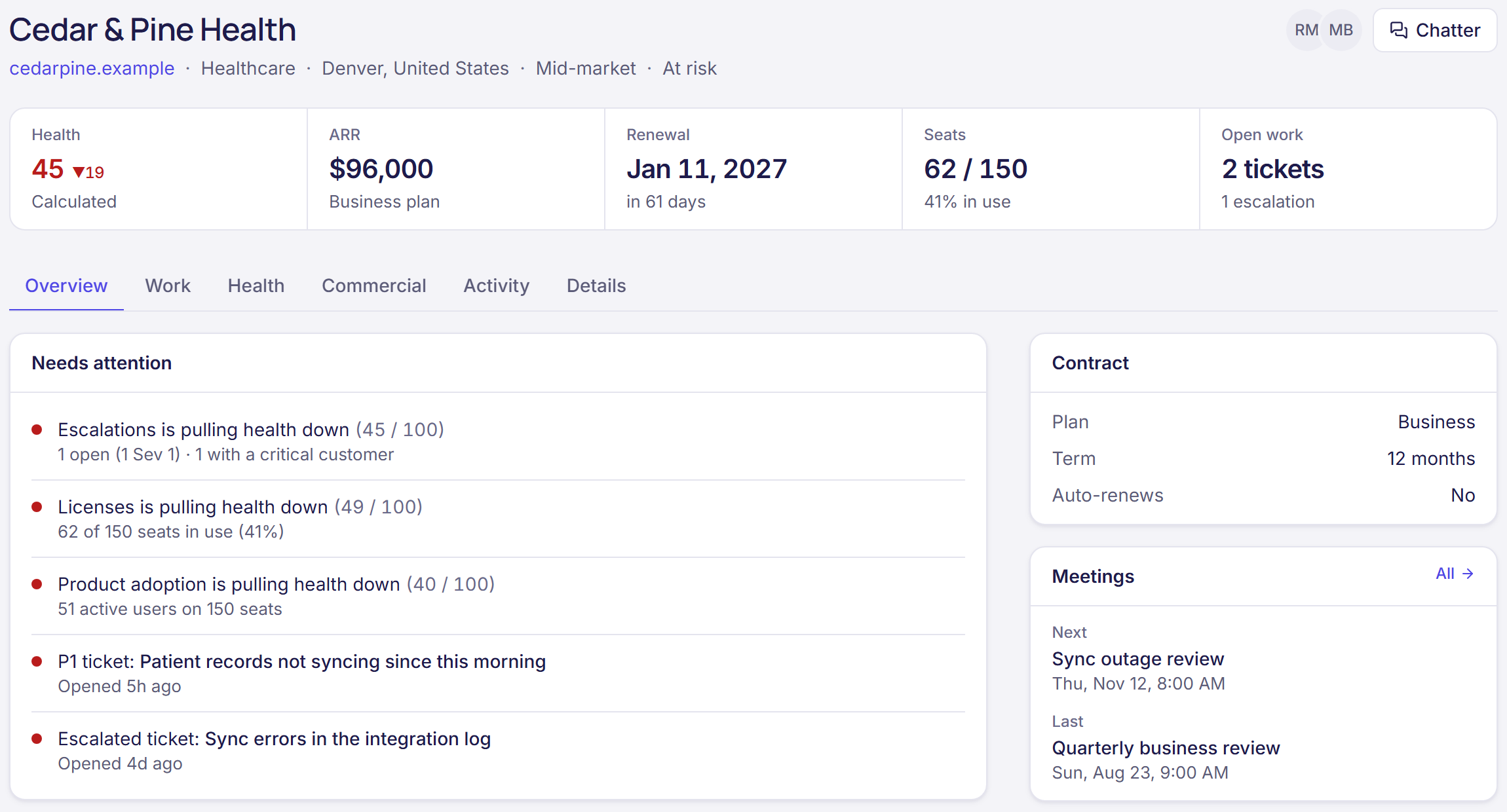
- Health score, renewal date and CSM written back to HubSpot company properties
Salesforce Coming soon
Accounts and contacts from Salesforce, opportunities on the account page, won opportunities handed to Success, and health, renewal date and CSM written back to fields you choose.
Want it for your team? Tell us and we’ll let you know when it’s ready.
Why not run customer success in the CRM?
A CRM is built around the deal. After the sale, the work is tickets, chats, escalations, success plans and renewals, and the people doing it, support agents and CSMs, need a tool built around the customer. Ultinium gives them that, keeps your CRM up to date, and lets Sales look in for free.
See the help desk and customer success pages for what your post-sale team gets.
Questions
Is Ultinium a CRM?
No. Ultinium is for the team after the sale: support, customer success and account management. It works with the CRM your sales team already uses, so accounts and deals come from your CRM, and health, renewals and the CSM go back to it. You don’t replace your CRM, and you don’t ask your support team to work in it.
Which CRMs does it work with?
HubSpot today. Salesforce is coming soon, with accounts, contacts, opportunities and write-back of health, renewal date and CSM.
What happens when a deal is won?
Ultinium finds the customer’s account by its CRM record or its domain, or creates it, makes it active and assigns a CSM if it has none. It also fires an event your automations can use, for example to apply an onboarding playbook or post in Slack.
Can account executives see customer health?
Yes, in two ways. Health, the renewal date and the CSM are written back to the company in HubSpot, and account executives can have free view-only seats in Ultinium to see every ticket, escalation and success plan.
How much does it cost?
The CRM integration is included in the one Ultinium plan: $49 per user per month billed yearly, or $59 monthly. View-only users, like account executives, are free.
Connect your CRM in minutes.
Start a free trial and try the HubSpot connection with sample data first, or book a walkthrough with your own accounts.