The Zendesk alternative for B2B support teams.
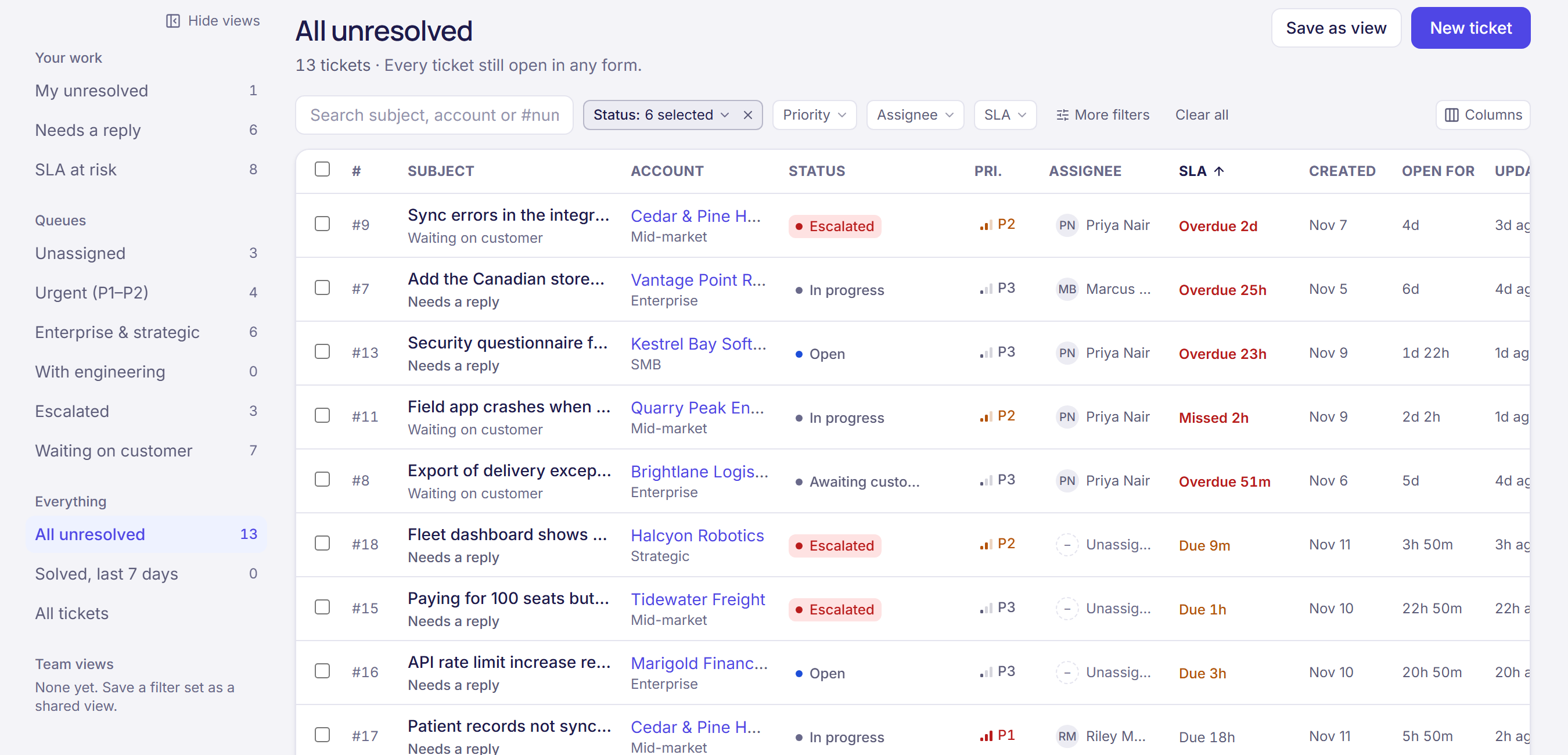
Zendesk is built to handle high volumes of tickets from anyone. B2B support looks different: a few hundred customers, each with an account, a renewal and a CSM. Ultinium is a help desk where every ticket sits on that account, with customer success in the same workspace.
14 days free, then $49 per user per month, everything included. View-only users are free.
Why teams look for a Zendesk alternative
SLAs sit on a higher plan
On Zendesk, SLA policies start with Suite Professional, listed at $115 per agent a month billed yearly, or $149 monthly. In Ultinium, SLA policies and business hours come in the one plan at $49 per user.
AI is paid per resolution
Zendesk lists automated resolutions at $1.50 each with a commitment and $2.00 pay as you go, beyond the 10 per agent a month included on Professional. Ultinium includes 1,000 AI answers every 30 days, plus ticket summaries and reply drafts.
Customer success needs a second tool
Health scores, success plans and renewals aren’t part of Zendesk, so CS teams buy another platform and connect the two. In Ultinium, support and CS share one record of every customer.
Ultinium and Zendesk, side by side
| Feature | Ultinium | Zendesk |
|---|---|---|
| SLA policies and business hours | Included | Suite Professional and up ($115 per agent a month, billed yearly) |
| Email-to-ticket, live chat and a help center | Included | Included |
| AI answers for customers | 1,000 every 30 days, included | $1.50–$2.00 per automated resolution beyond those included |
| Health scores, success plans and renewals | Included | Not included: needs a CS platform |
| Price | $49 per user a month billed yearly, or $59 monthly. View-only users are free. | Suite Professional: $115 per agent a month billed yearly, or $149 monthly |
Zendesk details from its own pages, checked November 11, 2026 (see Sources). Want to compare the cost for your team? Try our cost calculator.
Moving from Zendesk
- 1
Bring your accounts and contacts from HubSpot or a CSV file, so every ticket lands on its customer.
- 2
Connect Zendesk in Settings → Integrations. Your tickets come into Ultinium with their conversations, on the right accounts.
- 3
Run both side by side while your team settles in. Replies made in Ultinium aren’t sent back to Zendesk, so pick a day to switch.
- 4
Forward your support address to Ultinium, and add a few DNS records so replies go out from your own domain.
The first 10 teams get our implementation package included: we set up your workspace with you and train your team. Otherwise it’s an optional $2,500.
Questions
Can we bring our Zendesk tickets?
Yes. Connect Zendesk and your tickets come across with their conversations, on the right accounts. The connection brings tickets in; it doesn’t send changes back to Zendesk.
Does Ultinium have phone or social channels?
Not built in. Ultinium covers email, live chat and a help site with AI answers, and the chat widget can go on your own website or inside your product.
How does the price compare?
Ultinium is $49 per user a month billed yearly, or $59 monthly, with a 3-user minimum, and every feature is in that one plan: the help desk, customer success, AI answers and the assistant. People who only need to look are free. Our cost calculator compares a help desk plus a CS platform with Ultinium for your team size.
Can we try it with our own tickets?
Yes. Start a 14-day free trial and connect Zendesk, or book a demo and we’ll set up a 30-day pilot with your own accounts.
Sources
Checked November 11, 2026. Other vendors’ plans and prices change; their pages have today’s.
- Zendesk pricing: Suite Professional price, SLA policies from Suite Professional, and automated resolution prices
Also compare Ultinium with Gainsight, Vitally and ChurnZero.
See Ultinium next to Zendesk, with your own accounts.
Book a 30-minute walkthrough, then a free 30-day pilot set up with your data. Or start a 14-day trial on your own.